
Free RedGIF Downloader Online Tool | Save RedGIFs without Watermark in HD Format
GIF Downloader
RedGIF Downloader is an easy-to-use website for downloading videos, images, and GIFs in SD, HD, or silent formats without a watermark. Our downloader software supports a wide range of devices, like iPhone, Android, Tablet, and Desktop.
You can choose your download format based on your device’s storage. You don’t need to download the APK, and login or registration is not required to use premium features. You can use all features at no cost.
Our tool allows you to download any video, GIFs, or images without limitations on Google Chrome, Android, iOS, etc., and you can share any GIFs with your friends and family and use them in your personal content.
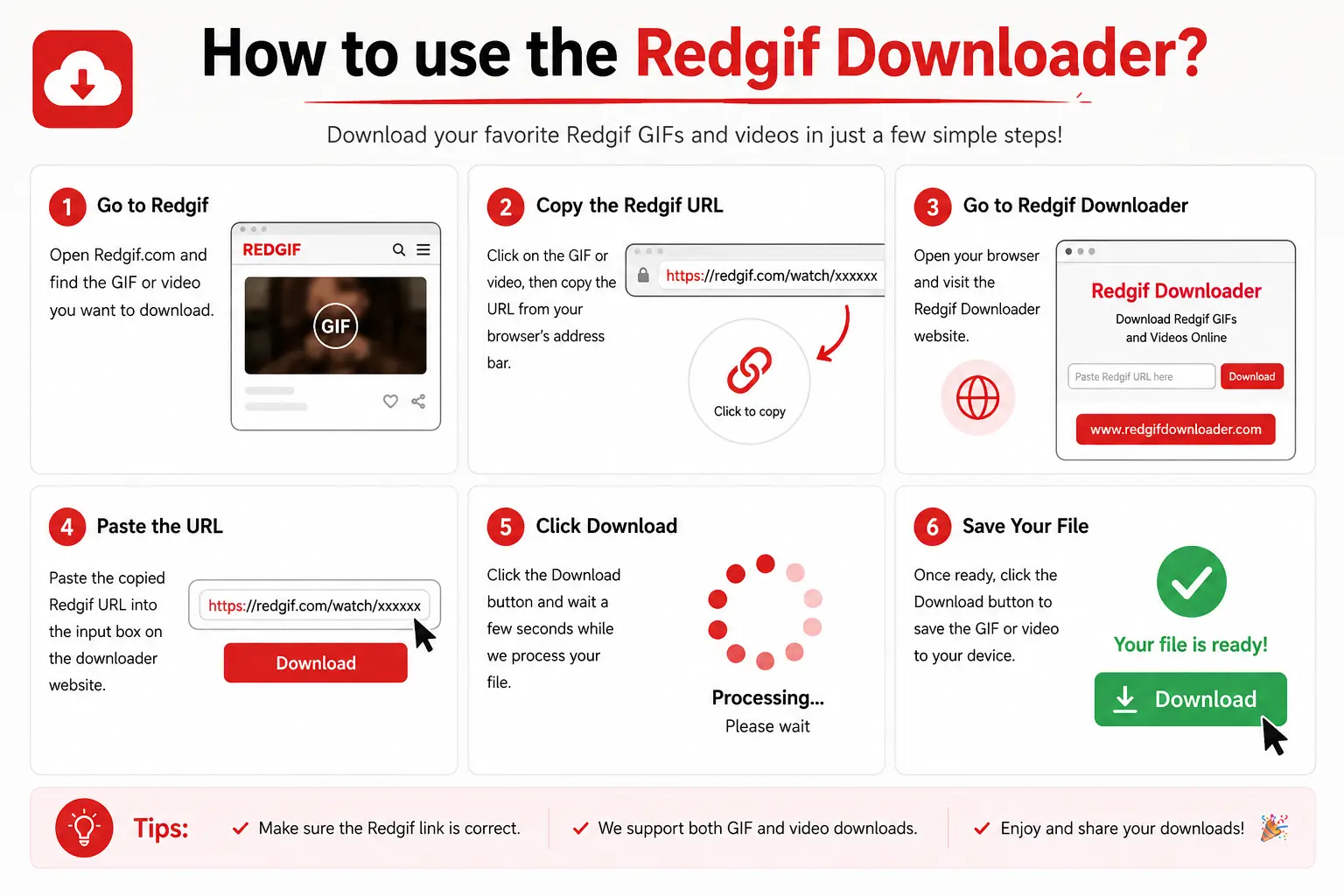
How to use the Red GIF downloader?
The Red GIFs downloader tool is simple and easy to use. Follow these simple steps to download fast and easily:
Find the RedGIF URL
Open RedGIFs and copy the GIF or video URL you want to download. Paste the copied link into the downloader search box.
Select Download Quality
Choose your preferred format or quality such as SD, HD, or Silent Mode, then click the download button to save the file instantly.
Search Using GIF ID
If you know the RedGIF ID or username, simply enter it into the search bar to quickly find and download the desired content.
Browse More Results
Scroll down after searching to explore additional GIFs, related videos, and more downloadable RedGIF content.
Key Features of our RedGIFs Downloaders
We offer powerful features for you to download RedGIF-related content fast and easily, the use of which will satisfy you satisfied:
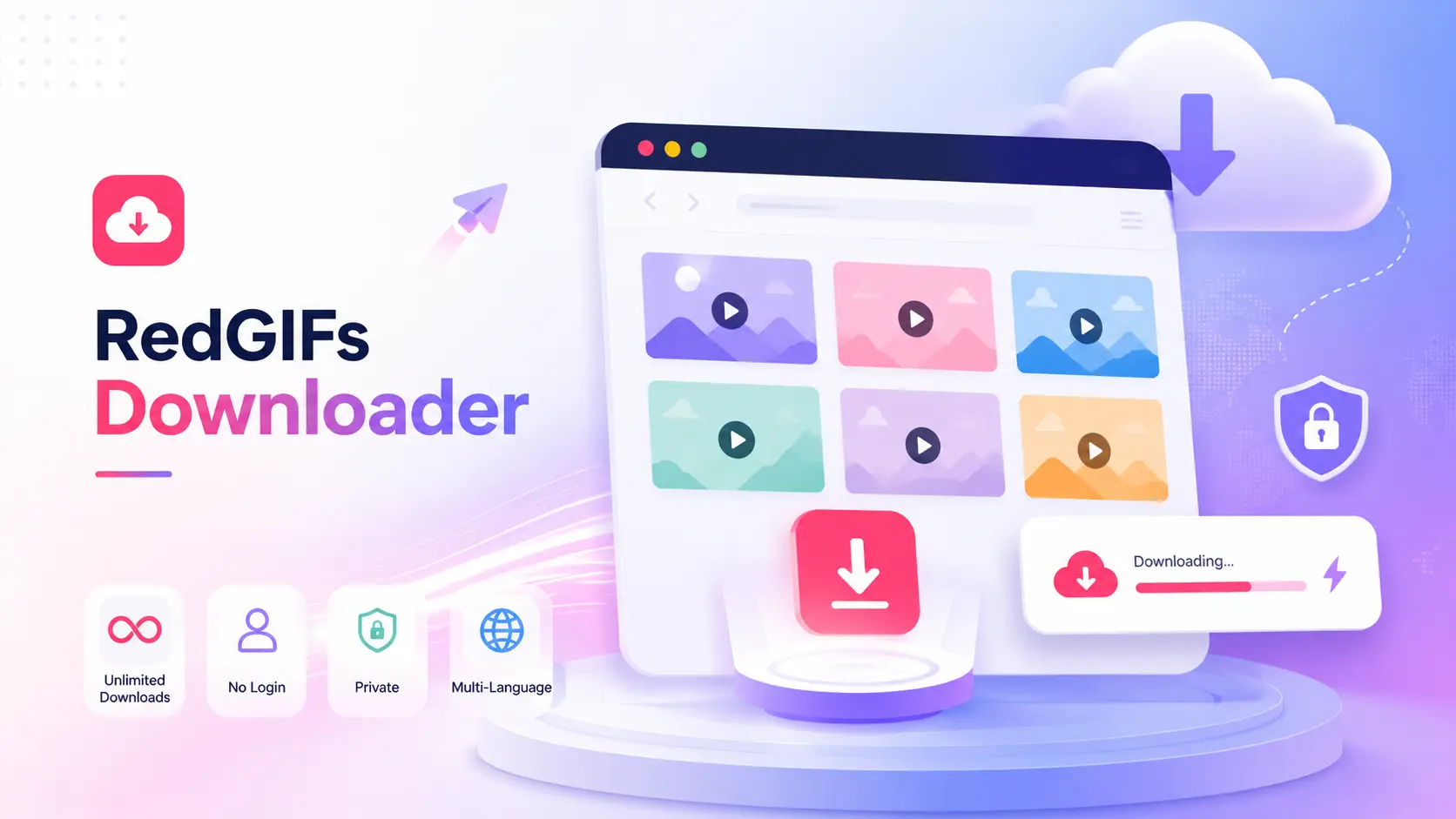
Unlimited download
You can download unlimited content, search by URL, username, or ID in SD, HD, or Silent format, exactly as you want.
Save Redgifs without login
You don’t need to create an account or provide any personal information, such as name, address, mobile number, or email address. You can use all the features of Redgif without registration.
Privacy-focused and search history
We don’t store your searches and history on our server. Your history always stays on the device you use to save Redgif’s content.
Supported Languages
You will be happy to know that our Redgif downloader software supports many languages users use for downloading. We are working on this daily so that each user gets more benefit from it.
What is Redgif Downloader?
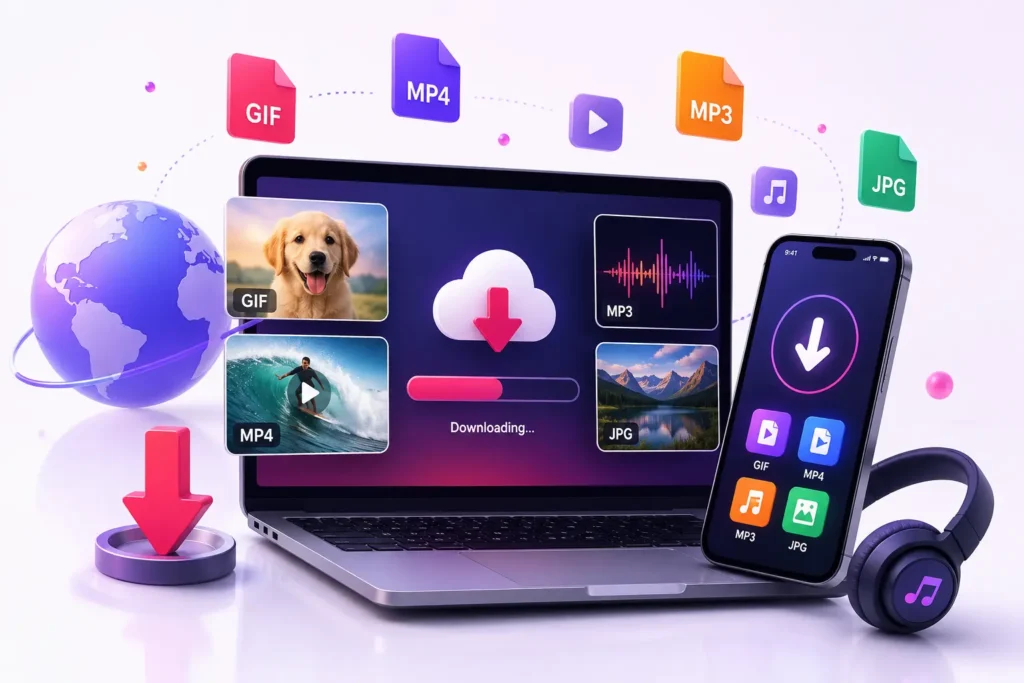
Redgif Downloader is a tool that allows you to download GIFs, images, videos, and audio in multiple languages in HD, SD, and Silent formats. You can fetch the data on your mobile device or laptop. This tool allows you to save GIFs in any language.
You can share the GIFs saved on RedGif with your friends and family. You can save RedGif to your device without registration and connect to our tool server without waiting or queues.
The Importance of saving a red GIF without a watermark
Today, everyone uses watermark labels to brand their content, and they want to make their branding strong. But if someone else downloads it for personal use, the watermark reduces the quality of their content, and the user is not satisfied, as they do not value the quality of your content.
The content can be used for any presentation, project, or social media content. So, use our tool to download redgifs with sound in HD format without any label and use GIFs in your personal content.
Choosing the Right RedGifs Downloader Online
Whenever you need to use this tool, choose one suitable for your content and relevant to your needs. A good downloader is always free; choose it, and use the search bar at the top.

You can select a tool only by reading reviews and app quality. Check the tool’s latest update to see how active the tool is and what new features it has. The best tool will always be easy to use, will have a download button, and will be usable without registration or login.
Advanced Tips for RedGifs Downloader online
Some tools support downloading tools where you can save many GIFs with a single URL or save more data with one URL at the same time. This is the best for you.
You want to always choose HD quality for better results and don’t go for low quality. But if you have a low storage device and you are a mobile user, then you choose 480p for downloading GIFs.
After completing the downloading process, you save your data on your personal device in Files. Keep in mind that the reader may easily download the file requested.
Understanding the download formats – Silent, SD, or HD
When you start using RedGif Downloader, you can choose three formats: SD, HD, and Silent.
HD
This is the highest quality in downloading formats. The HD format is best for laptop viewing or editing content. Its resolution can go up to 5 MB (50+ MB) in 720p or 1080p with sound.
SD
If you are a mobile phone user, then SD Farmat is best for you. Its resolution is up to 360p or 480p with sound in MP4 format.
Silent
You can use the Silent format for similar gifs or background video. Its resolution is smaller than HD without any sound.
Images
Download images in JPG or PNG formats using Red GIF Downloader.
Troubleshooting Common Download Issues
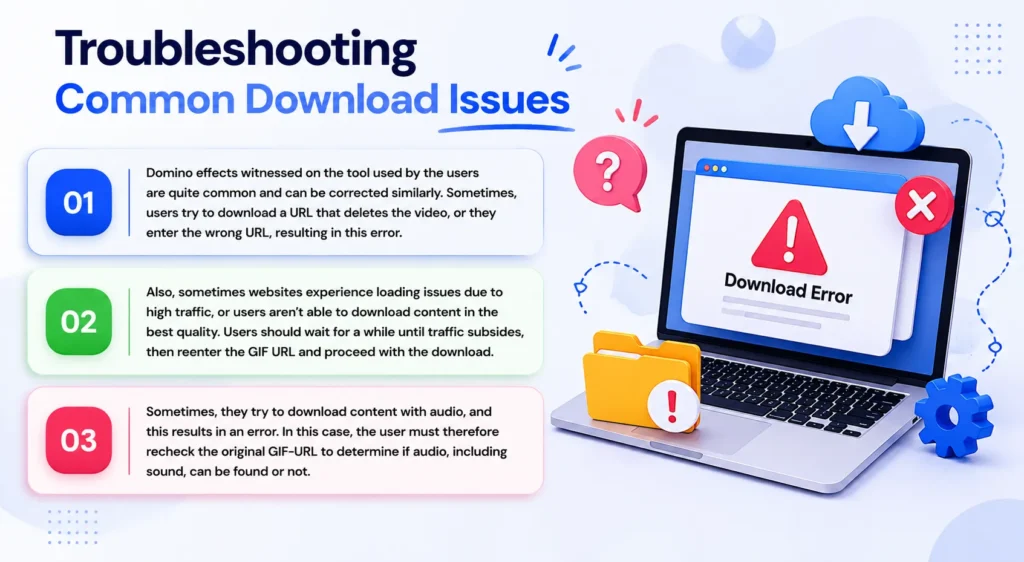
Can’t find a specific GIF
If you are unable to find the exact GIF, make sure the URL or the username is correct, or use our RedGIF extension. Some content may have been removed or may be unavailable for other reasons. GetRedGifs can only contain content that is currently available.
Frequently Asked Questions
Conclusion
The recommended RedGIF downloader provides users with an efficient downloading experience and fast video downloads. The program enables users to download videos in HD, SD, or silent mode without requiring an account or encountering video watermarks. Content discovery requires users to enter either the video URL, their username, or the GIF ID. The user can download the video after choosing their desired quality, as it will be available for direct download to their device.